
Agentic trading software should not start with a vague instruction like “let the AI manage the workflow.” It should start with a defined agent role, approved tools, review points, and blocked actions.
Use this checklist before requesting an agentic trading software quote.
1. Define the agent’s job
Write the job in one sentence:
- Monitor market context before the open.
- Summarize strategy state after each session.
- Watch for exceptions across NinjaTrader and a broker API.
- Prepare trade-review notes from logs and screenshots.
- Stage an order workflow for human approval.
If the job cannot be stated clearly, the software is not ready to quote.
2. List data sources
Document every source the agent can read:
- Trading platform data.
- Broker or account data.
- Market data feeds.
- Strategy logs.
- CSV exports or database tables.
- Screenshots, chart states, or user notes.
- News, calendar, or research inputs if relevant.
Also list data the agent should not use.
3. Define tool permissions
Separate allowed, review-required, and blocked actions.
| Permission level | Example |
|---|---|
| Allowed | Generate a report, send an alert, update a dashboard |
| Review required | Stage an order, change a risk parameter, send a broker command |
| Blocked | Trade unsupported symbols, bypass risk limits, modify live account settings |
This is the most important part of the scope. A trading agent without explicit permissions is too ambiguous to build safely.
4. Add human-review points
Define when a person must approve the next step:
- Before sending an order.
- Before changing position size.
- Before disabling a strategy.
- After conflicting signals.
- After missing data, disconnects, or account mismatch.
- Before acting on model output that was not independently verified.
For more detail, read human-in-the-loop agentic trading systems.
5. Specify risk controls
Risk controls should be part of the software behavior, not an afterthought.
Examples:
- Account and instrument allowlists.
- Maximum position size.
- Daily loss or activity limits.
- Session windows.
- Flatten or pause rules.
- Approval requirements above certain thresholds.
- Log every agent decision and tool call.
No risk control guarantees trading results. The goal is to make the workflow explicit and reviewable.
6. Define failure behavior
Agentic systems need clear behavior when something goes wrong.
Document what should happen after:
- Data feed interruption.
- Broker/API timeout.
- Platform disconnect.
- Order rejection.
- Partial fill.
- Conflicting account state.
- Missing file or malformed export.
- Agent confidence below a threshold.
Most first versions should alert, log, and stop instead of improvising.
7. Choose the first useful version
The first build should be narrow enough to test.
Good first versions include:
- A pre-market context and checklist agent.
- A strategy-state monitor with exception alerts.
- A post-session reporting agent.
- A broker/API workflow assistant that stages actions for review.
- A dashboard agent that reconciles platform logs and account state.
Avoid starting with a broad “autonomous trader.” That is too vague, hard to test, and usually not the fastest path to useful software.
What to send Moore Tech
Send the platforms, broker/API path, data sources, sample files, screenshots, desired agent behavior, blocked actions, review points, and examples of normal and abnormal workflow states.
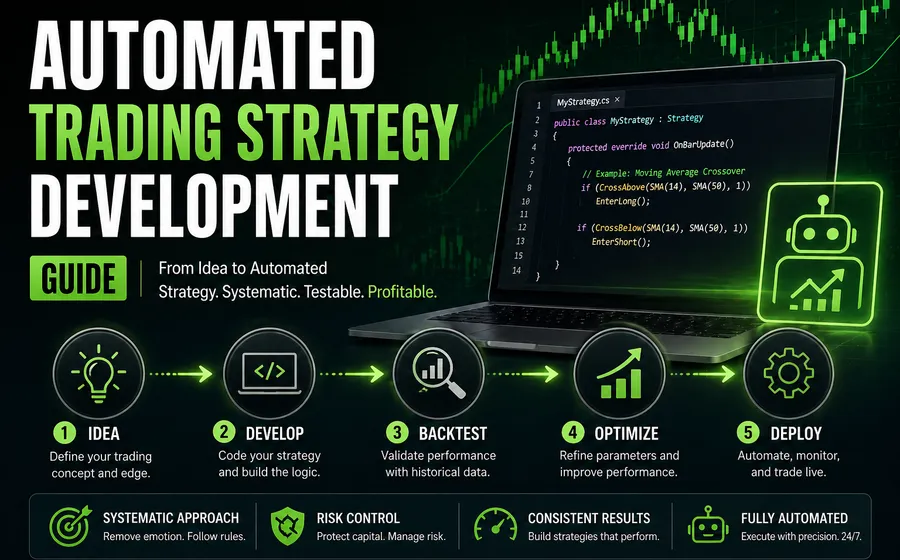
If the agent supports a conventional strategy, also review the automated trading strategy development guide.
Ready to scope the build?
Send the workflow details and request a quote.
Send the platforms, broker/API path, data sources, sample files, screenshots, desired agent behavior, review gates, blocked actions, and abnormal workflow examples. Moore Tech can turn that into a scoped agentic trading software build path.
Request an Agentic Trading Software Quote