Best fit
NinjaTrader users who already understand grid-style trade management and want structured controls, limits, timing, and trailing behavior.

Add-Ons / NinjaTrader 8
Turn grid-style trade management into a controlled NinjaTrader workflow instead of managing every order manually under pressure.
Start with monthly access
monthly, annual, or lifetime license
3 customer reviews
buyer confidence
Stripe
secure checkout
Monthly and annual plans renew automatically. Compare billing terms below.
Test the free trial before you buy. Refunds cover defective downloads — policy details.
Decision Snapshot
NinjaTrader users who already understand grid-style trade management and want structured controls, limits, timing, and trailing behavior.
Repeated manual order changes, scattered risk controls, and extra chart interaction during a predefined grid workflow.
Run the complete workflow in simulation and confirm daily limits, trading hours, spacing, trailing logic, and shutdown behavior.
Compare Before Buying
Compare Grid Master against managing a grid-style NinjaTrader workflow by hand with repeated order changes and extra chart clicks.
Problem
Grid-style workflows involve repeated order decisions, limits, timing, and management rules. Handling those pieces manually can become inconsistent fast.
Why it matters
Without structure, a grid idea can turn into emotional clicking, unclear exposure, and rules that change after the trade is already live.
Before
You want more disciplined order placement and management.
Manual grid execution creates too many decisions in the moment.
You need a clearer way to apply predefined trade ideas.
After
Grid-style management becomes more structured inside NinjaTrader.
Order workflow is easier to plan before the trade begins.
Built-in controls help keep the process closer to your predefined rules.
Product Details
Plan the grid-style workflow inside NinjaTrader instead of relying on repeated manual clicks once the trade is already moving.
Use the trial to confirm how trailing logic, trailing stops, and order-management behavior fit your own risk process.
Review daily limits, trading-hour behavior, and shutoff expectations in simulation before considering live use.
Evaluate install, licensing, chart setup, and workspace behavior inside the same platform environment you trade from.
Best for traders who already understand grid-style management and want a clearer interface for predefined trade ideas.
Grid Master should be tested as trading software with user oversight, simulation review, and clear account-risk limits.
Grid Master Licensing
Start lower-commitment with monthly access, save with annual billing, or buy lifetime access once Grid Master belongs in your NinjaTrader workflow. Stripe handles secure checkout, receipts, and subscription billing.
"Grid Master is an amazing product. It has streamlined my trading, allowing me to trade during all types of market movement. I would highly recommend this product to anyone that is willing to give it a try, it has been a game changer for me. And as a bonus, technical support is amazing and they actually listen to their users, always working to make the product better."
Enter your code, then select a plan. Eligible partner discounts also apply to the sale price. Review your final price in Stripe before paying.
Monthly
Exact sale-aware Stripe price loads on this page when available.
Best when you want to try Grid Master with the lowest upfront commitment.
Annual
Exact sale-aware Stripe price loads on this page when available.
Best when Grid Master is likely to stay in your workflow and you want a lower effective monthly cost.
Lifetime
One-time purchase.
Best when you want long-term access without another recurring software bill.
Select a plan to open secure Stripe checkout.
Customer Reviews
These customer comments were originally posted for Grid Master on Ninja Code Solutions and are republished here for buyer context.
5.00
average rating from 3 customer reviews
★★★★★
Verified Owner"Grid Master is an amazing product. It has streamlined my trading, allowing me to trade during all types of market movement. I would highly recommend this product to anyone that is willing to give it a try, it has been a game changer for me. And as a bonus, technical support is amazing and they actually listen to their users, always working to make the product better."
armydeb
August 6, 2025
★★★★★
Verified Owner"This bot has completely streamlined my trading on Ninja Trader. It lets me set precise trading hours, shuts off automatically after hitting daily limits, and manages entries with trailing logic and trailing stops. Perfect for sideways markets and hands-off control. If you're serious about automation, GridMaster is worth every penny."
Julio F
June 17, 2025
★★★★★
Verified Owner"Impressively Customizable feature rich GridBot. Purchased it on sale and I am very happy with my purchase. If you are reading this JOIN the discord and have a look around"
Ivan Helton
May 30, 2025
Reviews are customer comments originally posted for this product on Ninja Code Solutions.

Free Trial
Send your name and email. The trial download and access details are emailed to you automatically. If anything about delivery needs a hand, Moore Tech follows up personally.
Use the trial to check:
Related Products
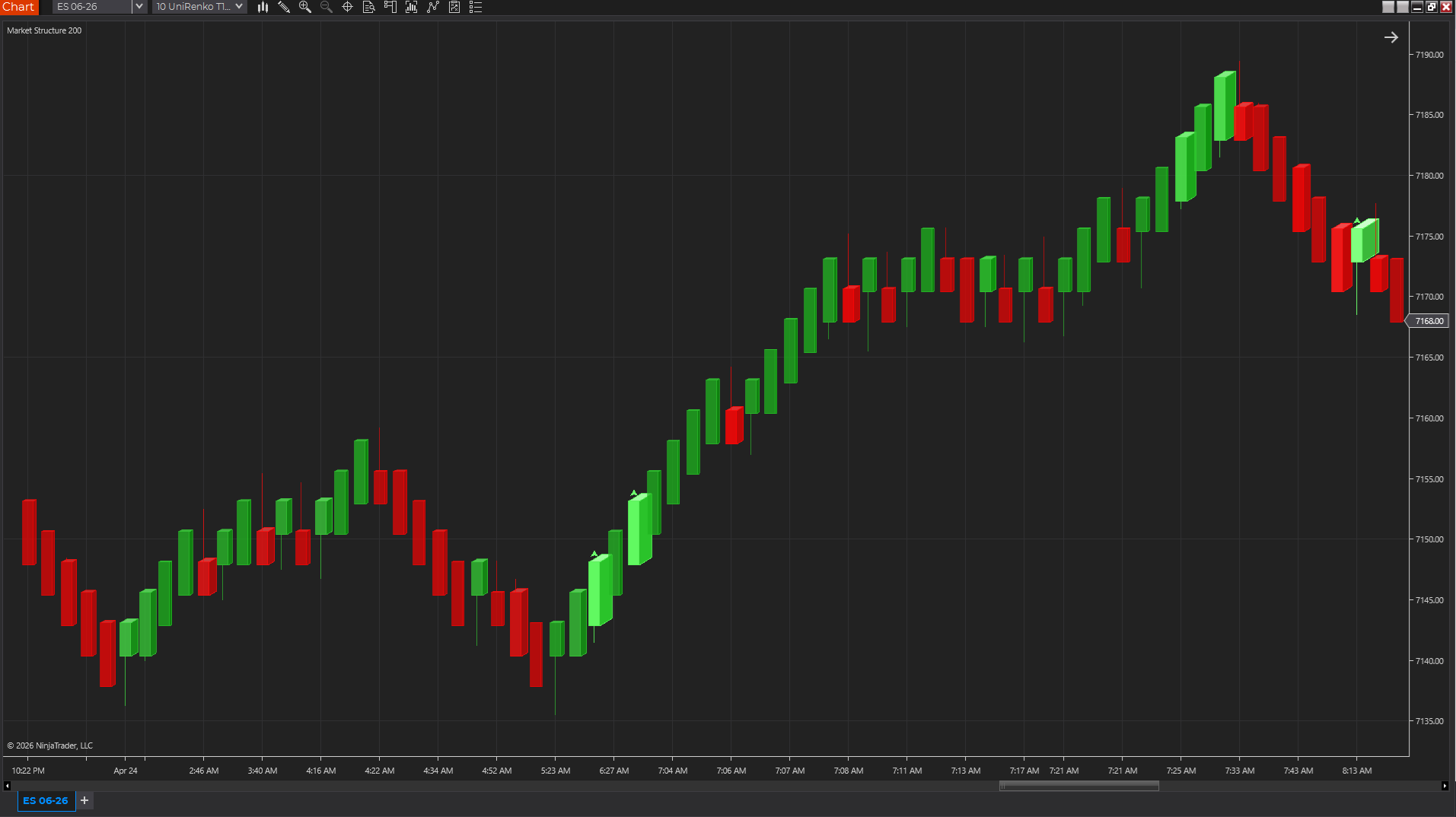
Chart Styles
A 3D-style NinjaTrader chart style that makes relative volume easier to see inside each candle.
$99.99
Trial available
NinjaTrader 8
Indicators
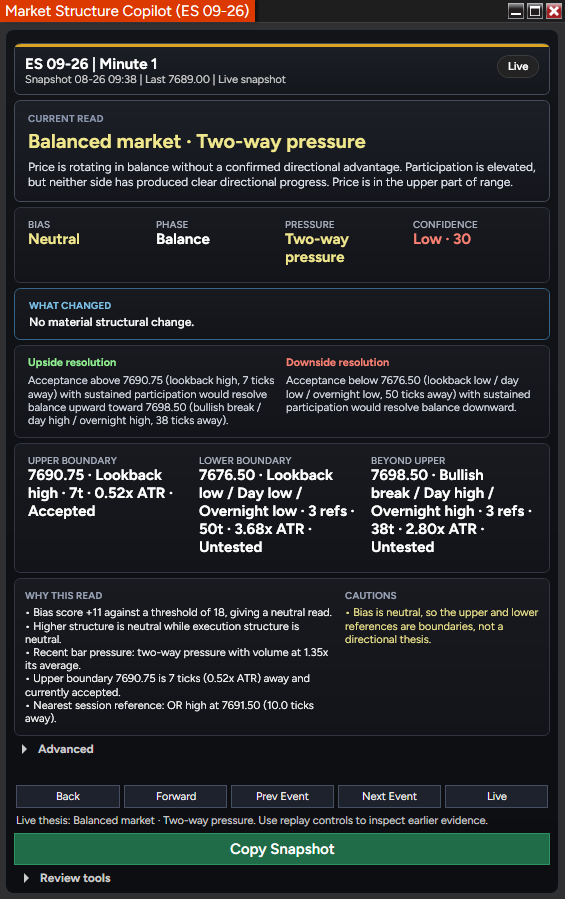
A NinjaTrader 8 market-structure indicator with six swing degrees, conditional levels, replay, expectancy tracking, and a snapshot-to-GPT review workflow.
$749.96
$999.95
October Market Structure Sale / save $249.99
Trial available
NinjaTrader 8
Indicators
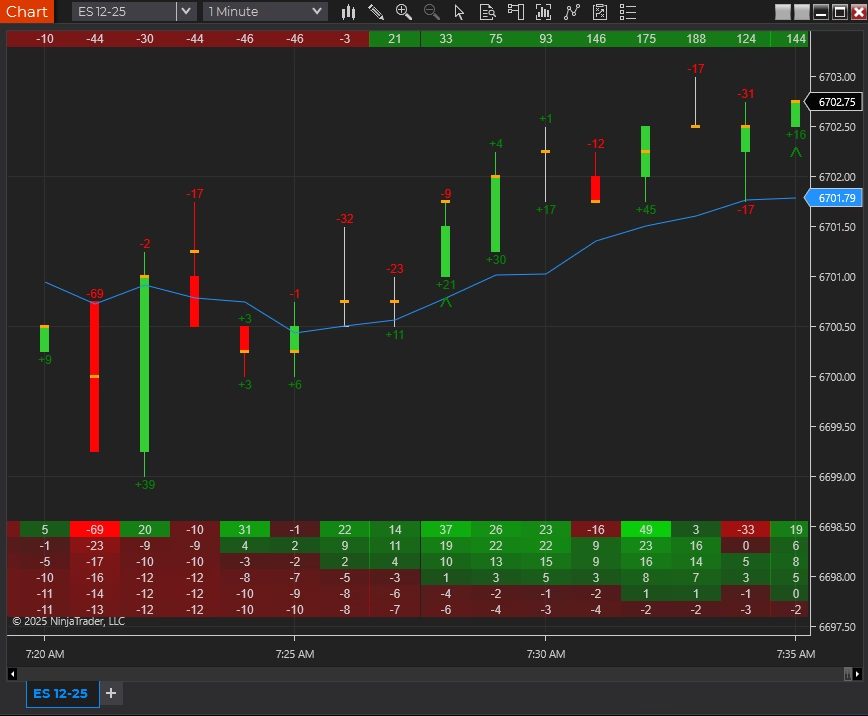
A delta and order-flow suite for traders who follow buying and selling pressure.
$299.95
Trial available
NinjaTrader 8
Product Support Guide
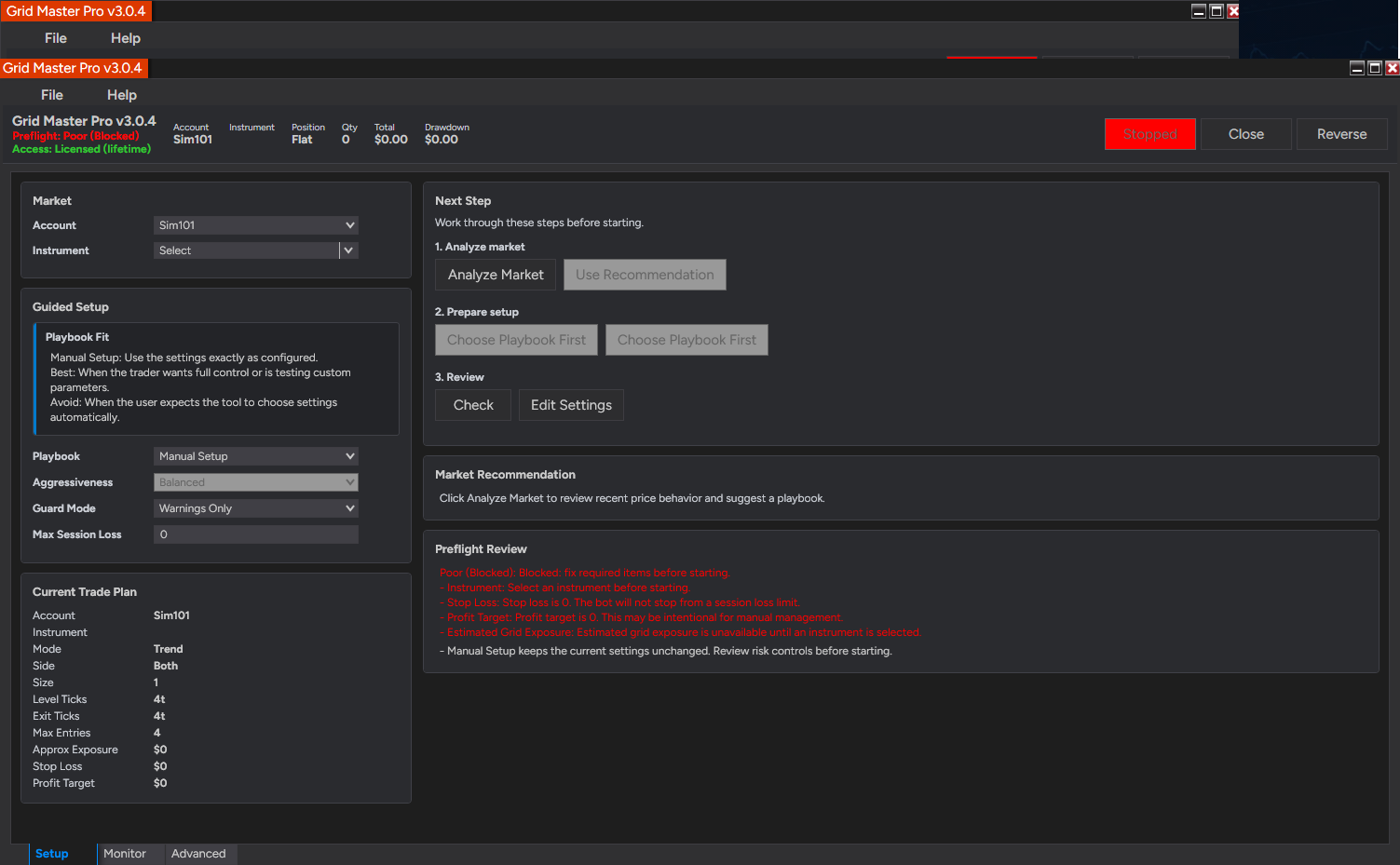
Review setup, licensing, troubleshooting, product-fit questions, and next steps for Grid Master.
Product FAQ
Yes. Submit the free trial request on this page with your name, email, NinjaTrader version, and any notes about your setup. Moore Tech will review the request and follow up with the next step.
Use the trial to confirm that the add-on fits your instruments, chart type, session template, data feed, and normal trading workflow. If anything needs to behave differently, that can become a custom-development conversation.
Evaluate it against the way you trade: platform setup, market, timeframe, review process, and risk controls. Moore Tech products are practical software tools for analysis, charting, automation, and workflow support.
Use the trial first, confirm licensing and machine setup, and ask any refund-policy questions before checkout. Moore Tech can answer product-fit, licensing, support, and policy questions in writing before you buy.
It runs inside NinjaTrader 8, so it works with the market-data connections NinjaTrader supports, such as Kinetick, Rithmic, CQG, and broker-provided feeds. If a product requires secondary symbols such as market internals, that requirement is listed on this page — confirm those symbols with your data provider before purchase.
Your purchase includes updates to the purchased product version and product support through Moore Tech. If a NinjaTrader platform update ever affects behavior, contact support with your NinjaTrader version and a description of what changed, and the compatibility issue becomes a support conversation rather than your problem to solve alone.
No. It is licensed software that installs into your own NinjaTrader 8 platform and runs locally on your charts and data. There is no external signal feed, trade-alert broadcast, or dependency on someone else's calls.
It is best evaluated as a NinjaTrader workflow and trade-management add-on. Use it in simulation first, confirm every control and limit, and make sure the order-management behavior matches the way you manage risk before considering live use.
Buy the product when the existing workflow is close to what you need. Request custom work when your rules, limits, account handling, alerts, or automation logic need to behave differently from the product.
Product Next Step
Start with the trial, then compare monthly, annual, and lifetime license options once the workflow makes sense for your account and risk process.
FREE 10-PAGE GUIDE · NINJATRADER 8
Get our free Delta & POC Quick-Start Guide, plus practical NinjaTrader tips, new tools and subscriber offers.
Useful whether you are exploring Delta Suite or already using it.