
Product Support
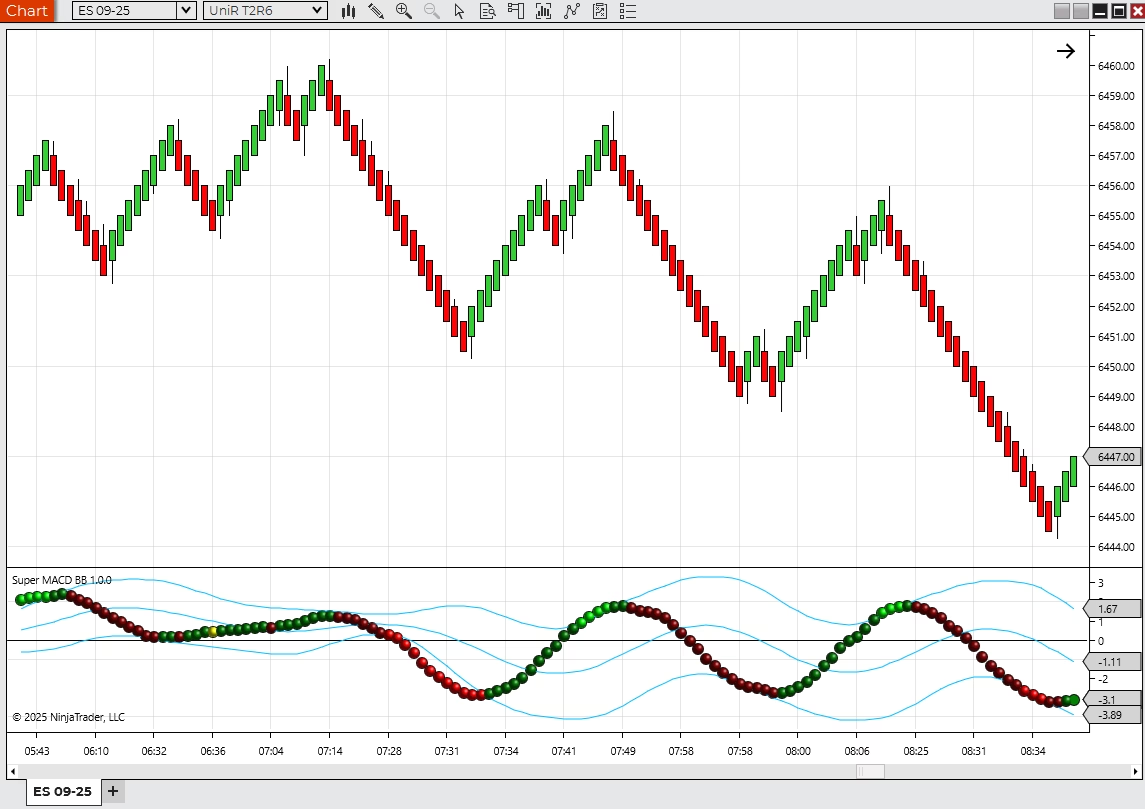
Super Macd BB support guide
Use this guide to decide whether your Super Macd BB question is a product-fit issue, setup issue, licensing question, paid support request, or custom development request.
Support Fit
Start by identifying what kind of product help you need.
Super Macd BB is a NinjaTrader 8 indicator. The fastest support path depends on whether the issue is purchase fit, installation, licensing, chart setup, or a request to change how the product works.
Install, import, download, or licensing questions
Chart setup, template, workspace, or indicator visibility issues
Questions about whether the product fits your market, timeframe, or workflow
A need to decide whether product support, paid support, or custom development is the right path
Before You Ask
Send the details that make support useful.
Product support is faster when Moore Tech can see the actual setup, not just a short description. Include the platform version, product name, screenshots, error messages, and what you expected to happen.
NinjaTrader version and workspace context
Product name, order email, or license details if available
Screenshots of the chart, settings, or error
Steps already tried and the expected result
Next Step
Pick the route that matches the problem.
Product Page
Review features, price, and trial details.
Use the product page when you are still deciding whether the product fits your workflow.
Paid Support
Get setup or troubleshooting help.
Use paid support for installation, imports, licensing, templates, workspaces, and bounded product issues.
Product Questions
Ask before you buy or modify.
Use contact when you need product-fit guidance, licensing clarification, or a custom modification quote path.
FREE 10-PAGE GUIDE · NINJATRADER 8
Get more from your volume indicators.
Get our free Delta & POC Quick-Start Guide, plus practical NinjaTrader tips, new tools and subscriber offers.
- Understand delta, POC and imbalance highlighting.
- Set up historical data with Tick Replay.
- Follow a simple chart walkthrough, without the homework.
Useful whether you are exploring Delta Suite or already using it.